Google Slide templates
Alternately, you can click the Google Apps launcher in the upper right corner of your browser, select the “Slides”, and then click “Template gallery.”
When designing your presentation, please prioritize accessibility. To ensure your slides remain readable for everyone, we recommend avoiding changes to the standard font size, among other things. For further guidance on creating accessible slides, please consult the Google Slide resources provided by the Digital Accessibility Program.

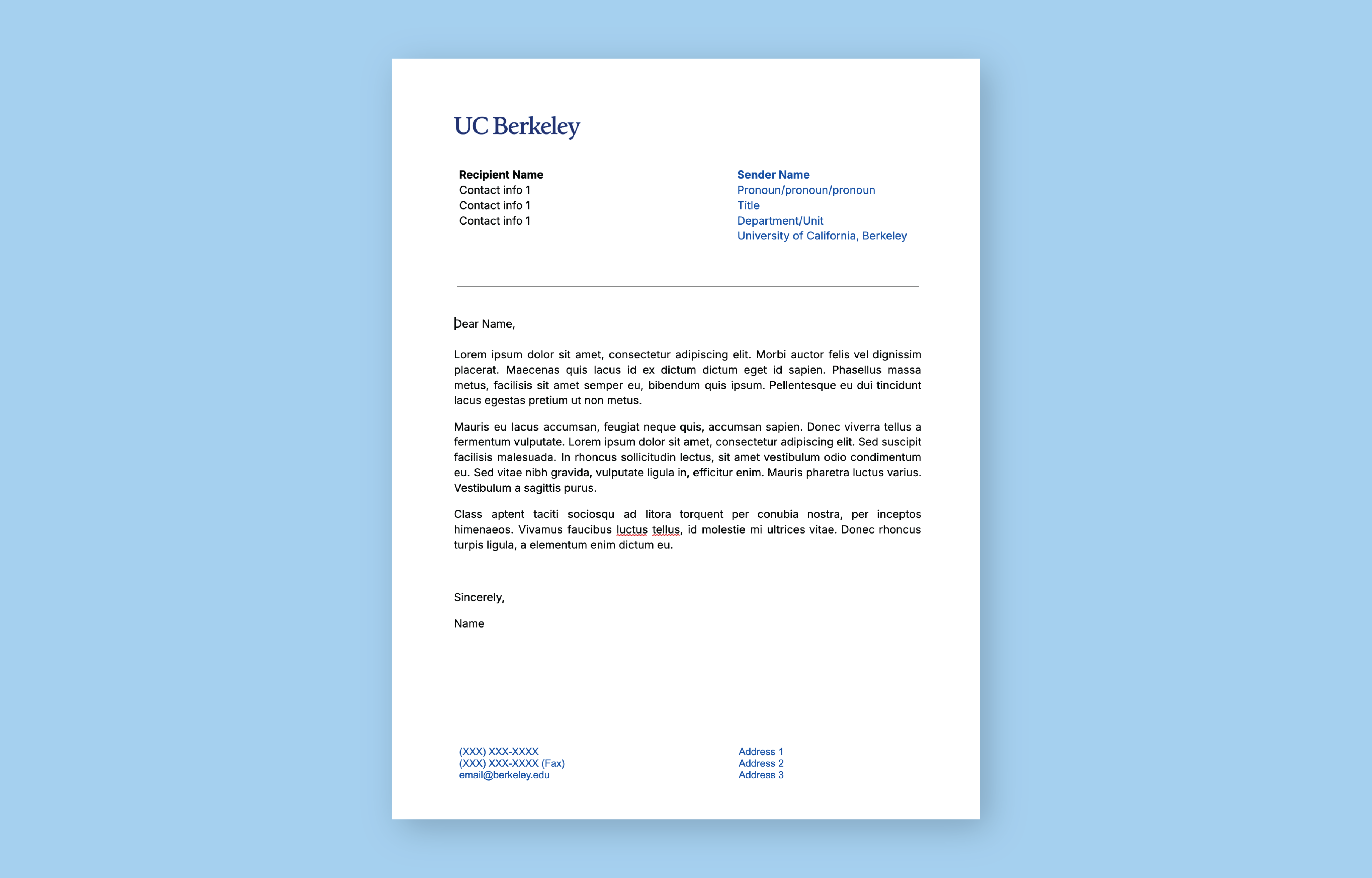
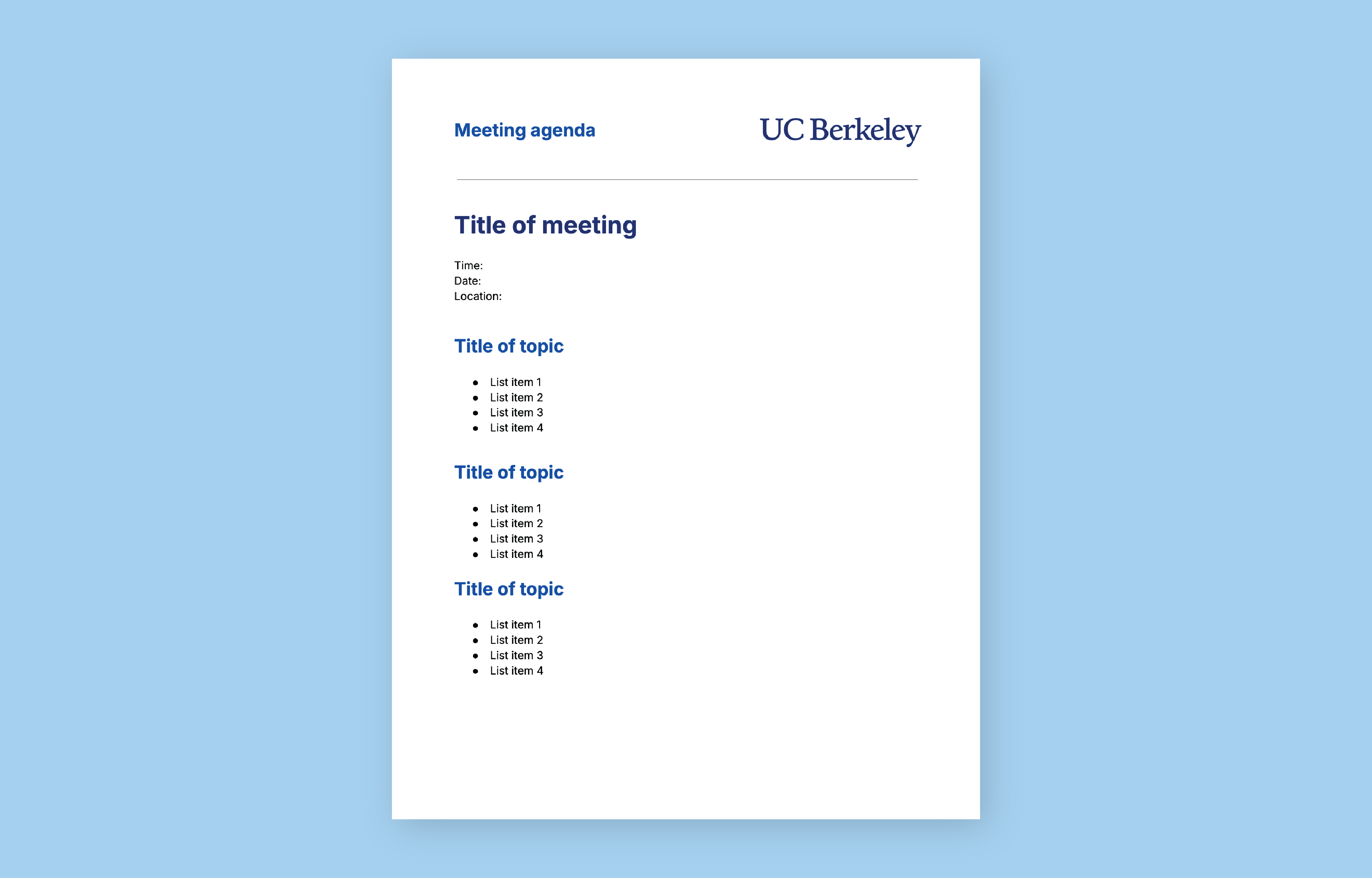
Google Doc templates
Alternately, you can click the Google Apps launcher in the upper right corner of your browser, select the “Docs”, and then click “Template gallery.” Scroll down to the Brand section.
When creating your Google Doc, please prioritize accessibility. For further guidance on creating accessible documents, please consult the Google Document resources provided by the Digital Accessibility Program.